Back to Scripts

Revit Automation / Compliance Analysis

Room Data Sync

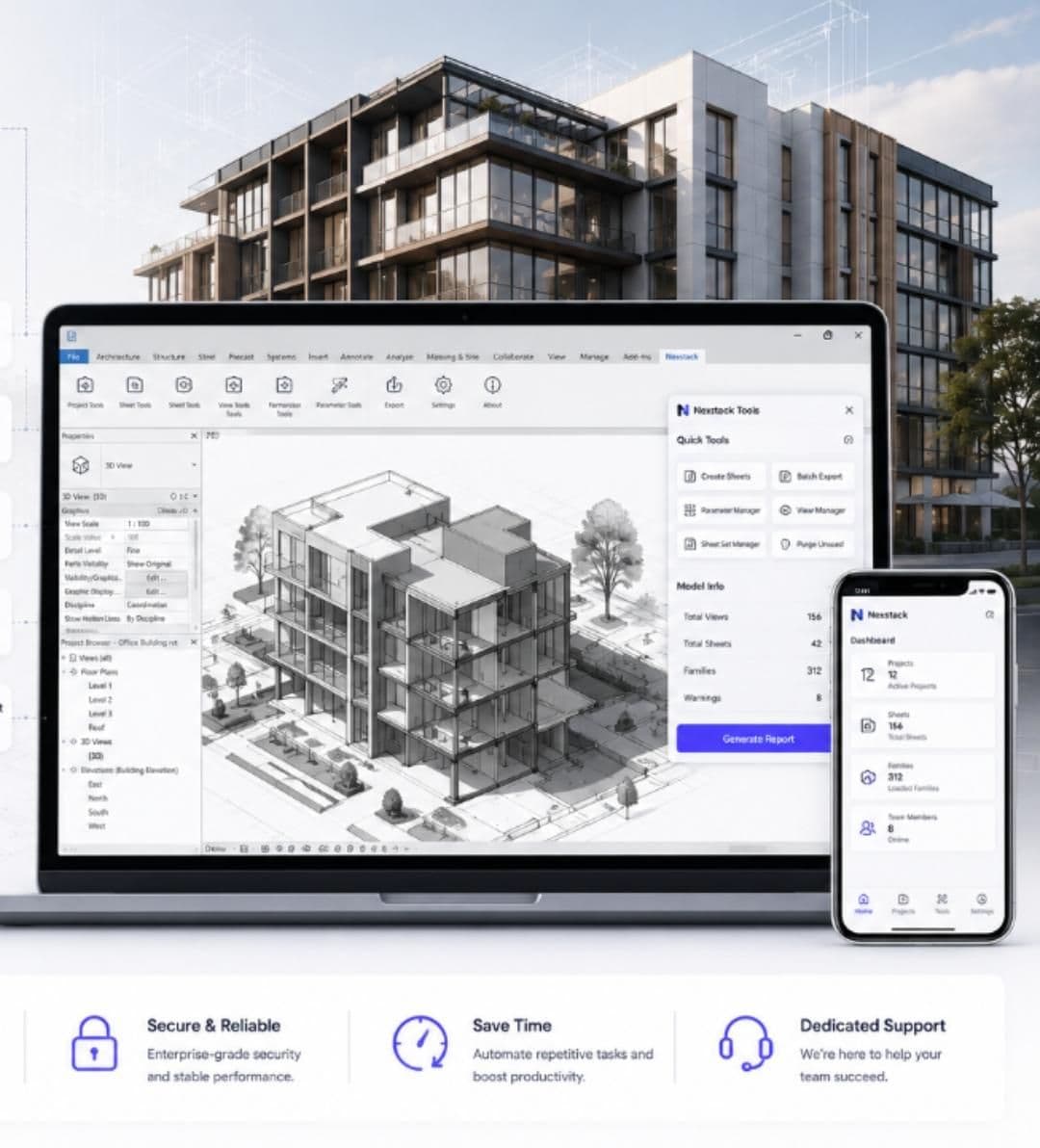
Sync room data between linked models and architectural files, ensuring occupancy and finish details are consistent. Built for production teams that need repeatable results and clearer Revit delivery workflows.
Choose Version

Analysis You Can Ship

Room Data Sync turns manual review work into repeatable model intelligence, giving project teams decision-ready findings faster.

Review with confidence

Standardize analysis workflows with Room Data Sync so critical conditions are less likely to be missed.

Decision-ready outputs

Generate findings that are easier to share with project stakeholders, reviewers, and internal teams.

Operational Benefits

Sync room data between linked models and architectural files, ensuring occupancy and finish details are consistent. This workflow keeps analysis output readable and consistent while reducing turnaround time across repeated reviews.

Shorter review cycles

Automate repeatable checks so teams can focus on resolving issues instead of identifying them.

Traceable workflows

Keep review steps more consistent across team members, offices, and project phases.

Installation & Setup

1

Download the package after purchase or trial activation.

2

Load the Vivata tab inside Revit and select the target model or view set.

3

Run the analysis workflow and export the resulting report set for review.

Pricing Options

FromSGD 155/mo

This script is currently unavailable

30-Day Free Trial

Full feature access

Instant DeliverySecure PaymentRevv-compatible

Need a demo?

Our BIM specialists can help your team validate this workflow against project-specific compliance and review requirements.

Schedule a Call